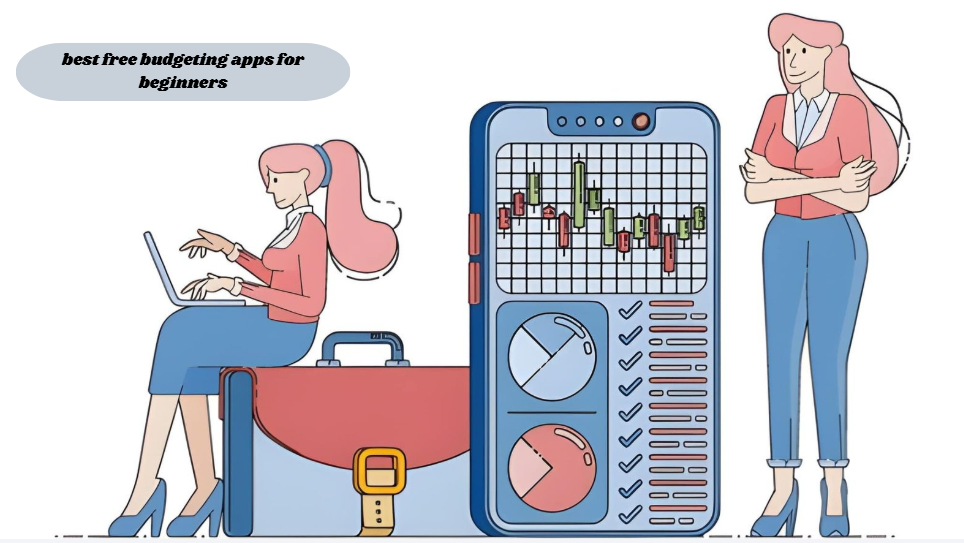
The best free budgeting apps for beginners are tools that automatically track spending, sort transactions into categories, and show a clear picture of income versus expenses without requiring a subscription. They work by linking to your bank account or letting you enter transactions manually, then turning that data into a simple visual budget you can actually understand.
What Should a Beginner Look for in a Budgeting App?

A beginner should search for an app that offers automated bank syncing, plain-language spending categories, and a setup time of less than fifteen minutes.
Most people who try to budget for the first time quit within the first month, and a big reason is that the tool they picked was built for spreadsheet lovers rather than everyday people. A good beginner app does the categorizing for you instead of asking you to build formulas. It should also show your numbers in a way that clicks immediately, like a simple bar showing how much of your paycheck is left this week rather than a wall of transaction codes.
Are Free Budgeting Apps Safe to Use?
Yes, reputable free budgeting apps use bank-level encryption and read-only access, meaning they can see your transactions but cannot move your money.
Apps that connect to your bank typically use a third-party service like Plaid to securely pull transaction data, and this same connection technology powers many banks’ own mobile apps behind the scenes. That said, it’s smart to check whether an app sells anonymized spending data to advertisers, since some free tools use that as their business model instead of charging a subscription fee.
12 Best Free Budgeting Apps for Beginners in 2026
Here’s a rundown of the apps that consistently show up as solid starting points for anyone new to budgeting.
Goodbudget uses the classic envelope system digitally, so you assign every dollar of income to a category before you spend it, and it works well for people who like structure without bank syncing.
EveryDollar offers a free version built around zero-based budgeting, where every dollar gets a job, though the free tier relies on manual transaction entry since bank syncing is a paid upgrade.
PocketGuard shows you an “in my pocket” number after bills and savings goals are subtracted, which makes it easy to know what’s actually safe to spend today.
Empower Personal Dashboard, formerly Personal Capital, cares just as much about your net worth as your budget, so it’s a good fit if you want to watch your investments grow alongside your everyday spending.
Honeydue was built with couples in mind. Both partners see the shared expenses, but each person’s individual accounts stay private, so nobody’s snooping where they shouldn’t be.
Spendee turns your spending into colorful visual breakdowns, which works well if numbers on a page never quite click but a chart does.
Wally keeps things simple with clean, no-frills expense logging, perfect for anyone who wants the basics without a cluttered screen full of features they’ll never touch.
Zeta, similar to Honeydue, is built for couples and families, mixing bill splitting with joint budget planning so everyone’s on the same page.
NerdWallet’s app throws in credit score monitoring alongside its free budgeting tools, so beginners get two things handled without needing a second app.
Credit Karma also bundles basic spending insights with free credit monitoring, which appeals to people who want budgeting as a secondary feature rather than the main event.
Buddy uses gamification, including streaks and rewards, to keep beginners motivated during the first few weeks when habit-building matters most.
Fudget strips budgeting down to a basic running list of money in and money out, which sounds almost too simple but works well for people who find other apps overwhelming.
If you want ongoing comparisons and updates on which tools are worth using, sites like betterthisworld.com tech section tend to track app updates and pricing changes, which matter since free tiers shift more often than people expect.
| App | Best For | Free Features | Bank Sync |
| Goodbudget | Envelope-style planners | 20 envelopes & 1 account | No |
| EveryDollar | Zero-based budgeting fans | Manual entry budgeting | No (paid feature) |
| PocketGuard | Simple spending limits | “In my pocket” tracking | Yes |
| Empower | Net worth watchers | Investment + budget dashboard | Yes |
| Honeydue | Couples | Shared bill tracking | Yes |
| Spendee | Visual learners | Category graphs | Yes |
| Wally | Minimalists | Expense logging | Yes |
| Zeta | Families | Joint budget planning | Yes |
| NerdWallet | Credit-conscious users | Budgeting + credit score | Yes |
| Credit Karma | Credit-conscious users | Spending insights + credit score | Yes |
| Buddy | Motivation seekers | Gamified saving streaks | Yes |
| Fudget | Total beginners | Basic in/out list | No |
How to Manage Money Effectively as a Beginner

What Is the 50/30/20 Rule for Beginners?
The 50/30/20 rule splits after-tax income into 50 percent for needs, 30 percent for wants, and 20 percent for savings or debt payoff.
This 50/30/20 framework, popularized by Senator Elizabeth Warren in her book “All Your Worth: The Ultimate Lifetime Money Plan,” gives beginners a rough starting ratio instead of forcing them to build a budget from nothing. It’s not a strict law, more of a sanity check, so if your rent alone eats 40 percent of your paycheck, that’s useful information rather than a failure.
Say someone brings home $3,500 a month after taxes. The 50/30/20 split points to roughly $1,750 for needs, $1,050 for wants, and $700 for savings. If their rent alone runs $1,400, that’s not the budget failing; it just means their needs bucket has to flex closer to 55 or 60 percent, with wants trimmed to make room.
How Much Should a Beginner Save Each Month?
Most financial guidance suggests aiming for at least 20 percent of take-home pay toward savings and debt reduction, though even 5 to 10 percent is a reasonable starting point for beginners.
The Federal Reserve’s Survey of Consumer Finances has repeatedly found that a significant share of American households would struggle to cover a sudden $400 expense using cash on hand, which is exactly why starting small and building the habit matters more than hitting a perfect percentage right away. Learning how to manage money effectively isn’t about perfection in month one; it’s about consistency over the following months, and plenty of readers searching for money betterthisworld style guidance are really just looking for that same reassurance that slow progress still counts.
How to Plan Your Monthly Budget in 5 Simple Steps
What Is the Easiest Way to Start a Monthly Budget?
The easiest way to start a monthly budget is to list your total income, subtract fixed bills, then divide what’s left between savings and flexible spending.
Getting this right doesn’t require special software, though a budgeting app makes the math automatic instead of manual. Once you know how to plan your monthly budget using this basic structure, adapting it to irregular income or unexpected expenses becomes a lot easier.
- Write down every bit of income you’re expecting that month, including anything irregular like freelance work or side gigs, so nothing slips through the cracks.
- List out your fixed expenses, things like rent, insurance, and loan payments, since these barely change month to month and need to get covered first.
- Set a savings target before you touch anything else, treating it like a bill instead of whatever’s left over at the end.
- Split whatever’s remaining into flexible categories like groceries, gas, and entertainment, and give each one a realistic cap you can actually stick to.
- Check in on it weekly instead of waiting for the month to end, since small corrections now beat big problems later.
Frequently Asked Questions
Which Budgeting App Is Best for Beginners with No Income Tracking Experience?
Fudget and Goodbudget work best if you’ve never tracked a dollar in your life. Neither one buries you in dashboards; they just show where your money’s coming from and where it’s going.
Can You Budget Effectively Without Linking a Bank Account?
Yes, you can. Apps like Goodbudget and the free version of EveryDollar work fine with manual entry; you just have to actually remember to log what you spend, which takes more discipline than letting an app do it automatically.
Do Free Budgeting Apps Sell Your Data?
Data is sold by certain free budgeting apps. It’s usually not your name attached to it, more like bundled spending trends sold off to advertisers, so it’s worth a quick read of the privacy policy before you link anything sensitive.
How Long Does It Take to See Results from Budgeting?
Within the first month, most people start to experience effects. Your spending habits get clearer fast, while real savings usually take another month or two to actually show up.
Final Thoughts on Choosing a Free Budgeting App
None of these apps will fix a money problem on their own, and that’s worth saying plainly. The best free budgeting apps for beginners only work if you actually open them more than once. What tends to separate people who stick with budgeting from people who don’t isn’t the app they picked; it’s whether the app matched how their brain naturally processes information, whether that’s colorful charts, simple lists, or strict envelopes.
If you’re staring at this list feeling unsure, don’t overthink it. Pick the one that sounds the least annoying to use, install it today, and give it thirty days before judging whether it’s working.